The AI Facial Expression Editor
Edit facial expressions in videos and images with AI. Change emotions, shift the mood, and control intensity while preserving identity.

Change the Expression. Preserve Every Detail.
Edit facial expressions in videos and images while keeping identity and facial details intact. Change facial expression with AI, choose an emotion, adjust intensity, edit individual faces, or blend emotions.
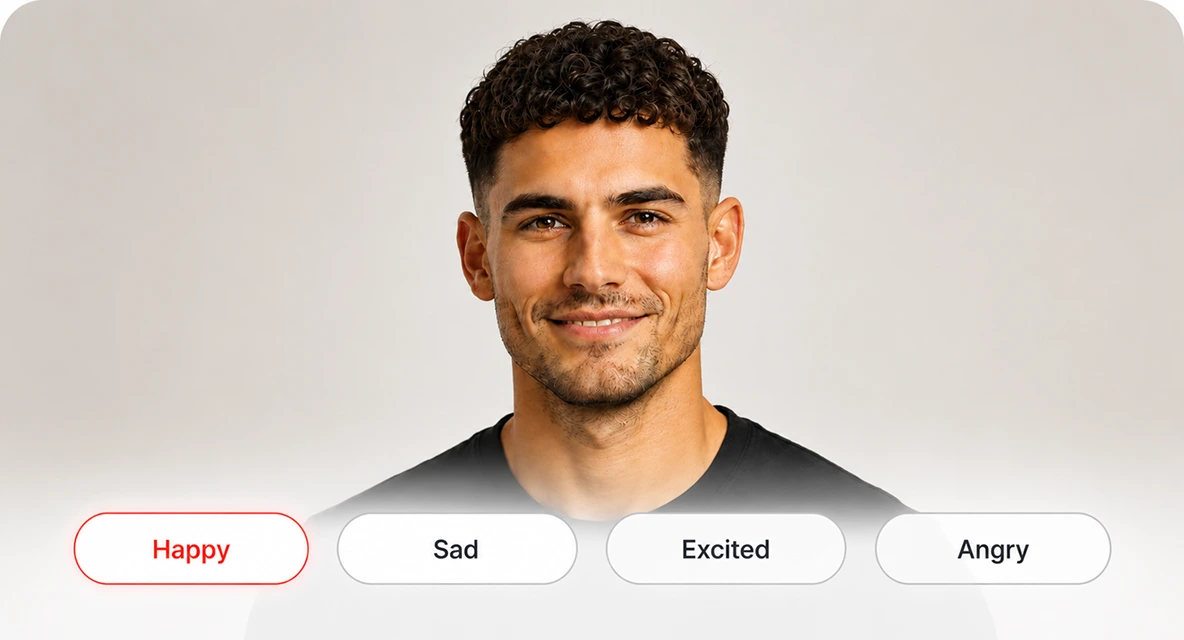
Select the Emotions
Select happy, sad, angry, surprised, excited, and more to change facial expressions instantly.
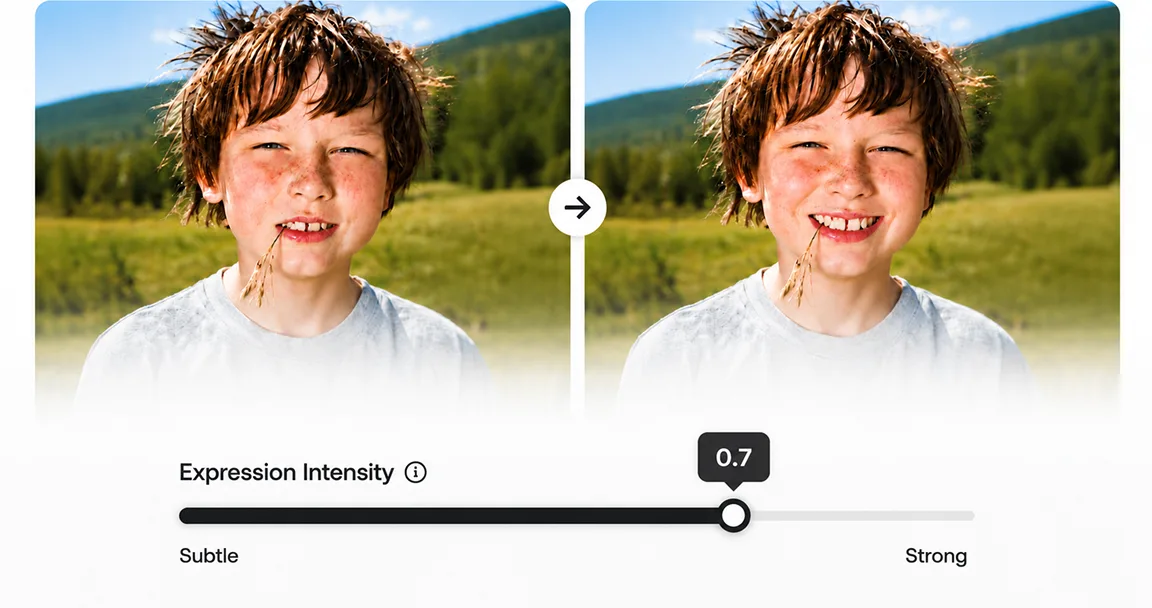
Adjust Expression Intensity
Fine-tune every emotion from subtle to strong, with full control over the final expression.
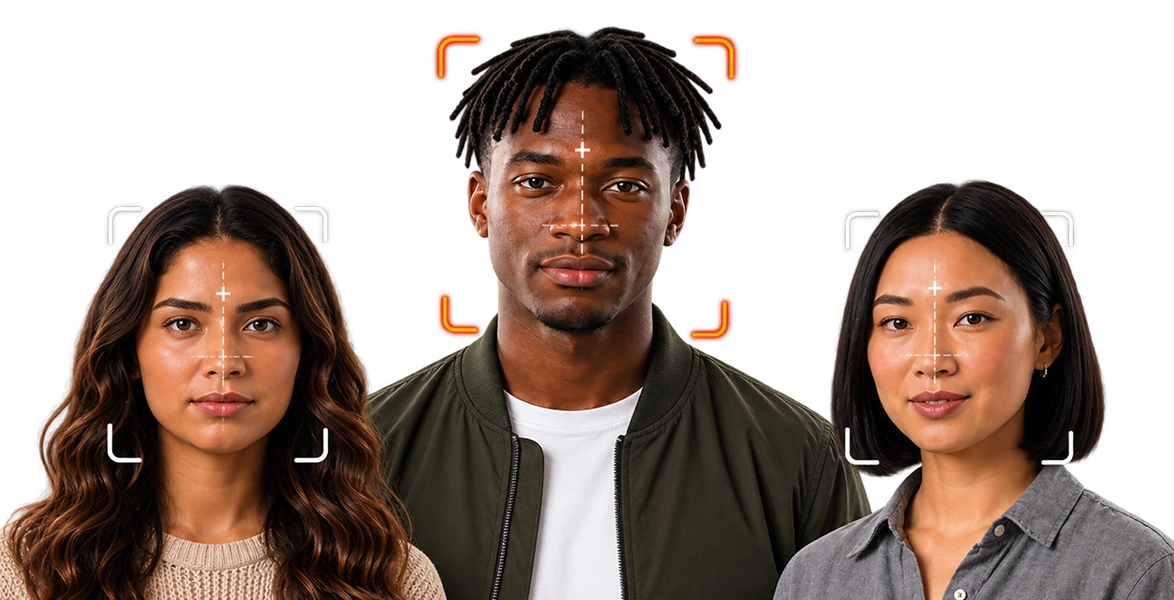
Edit Individual Faces
Choose exactly which face to edit in scenes with multiple people for precise, individual expression editing.
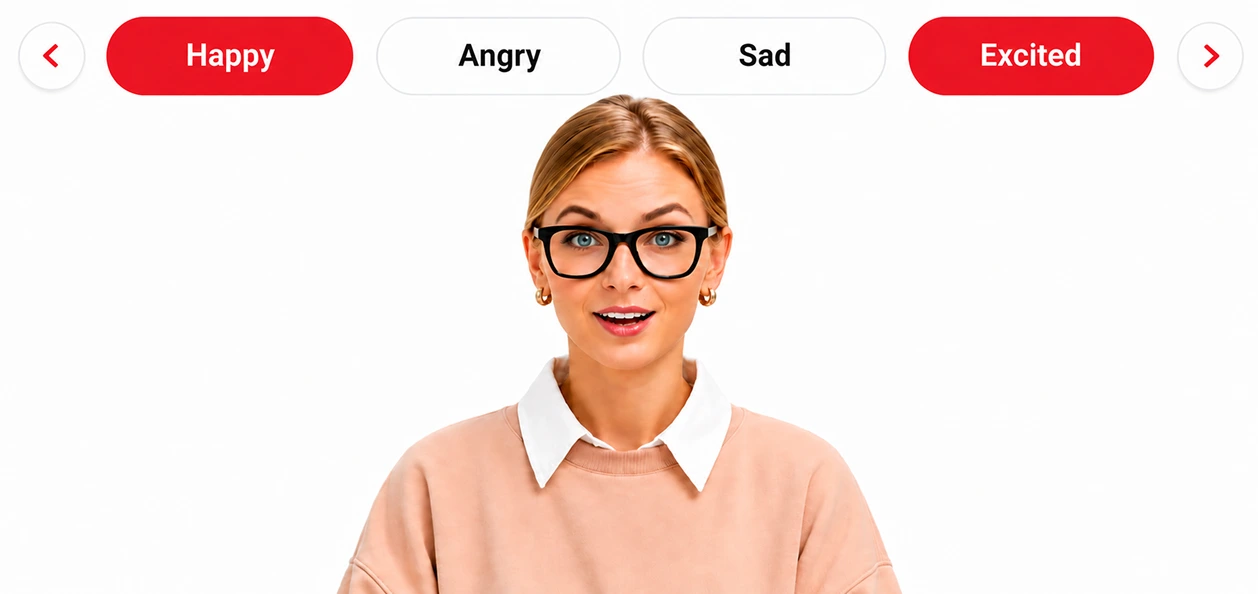
Blend Multiple Emotions
Combine emotions like happy and surprised for more natural, nuanced expressions.
Choose an Emotion
Select happy, sad, angry, surprised, excited, and more to change facial expressions instantly.
Adjust Expression Intensity
Fine-tune every emotion from subtle to strong, with full control over the final expression.
Edit Individual Faces
AI facial expression editor by SyncMonster. Change emotions, mood, and performance across videos and images, without reshoots. Try DRAMA free.
Blend Multiple Emotions
Combine emotions like happy and surprised for more natural, nuanced expressions.
Natural Expressions. Complete Control.
Create natural-looking facial expressions while preserving identity and facial details, with consistent edits across videos and images.


How to Edit Facial Expressions with AI
Edit facial expressions in videos and images in three steps.
Upload Your Video
Upload a video or image to edit facial expressions with the AI Expression Editor.
Choose Your Edit
Select an emotion, adjust intensity, blend emotions, or pick individual faces.
Export & Share
Apply your changes and download the edited video or image in minutes.
Everything You Can Do with DRAMA
Explore every expression DRAMA, AI facial expression editor by SyncMonster, can apply, with adjustable intensity on videos and images.

Happy
Add a natural smile and brighten the mood instantly.
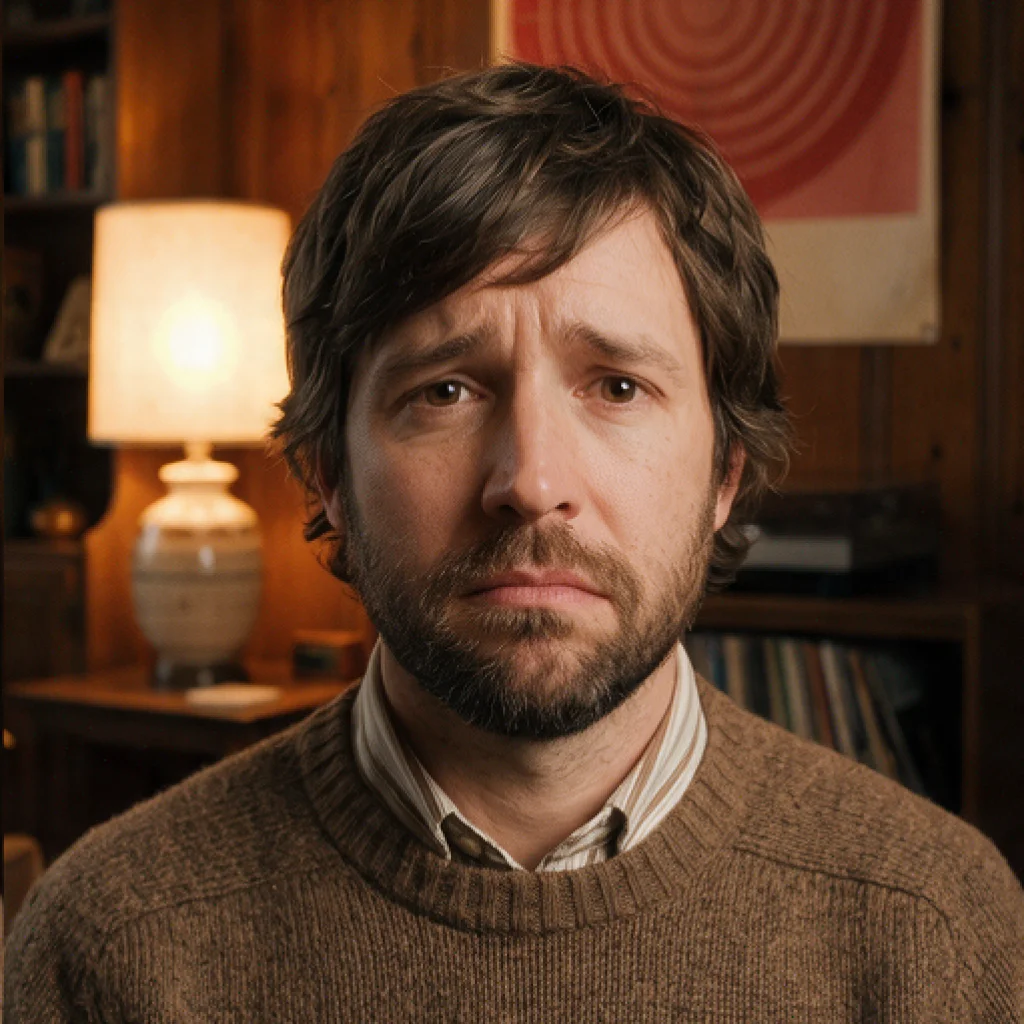
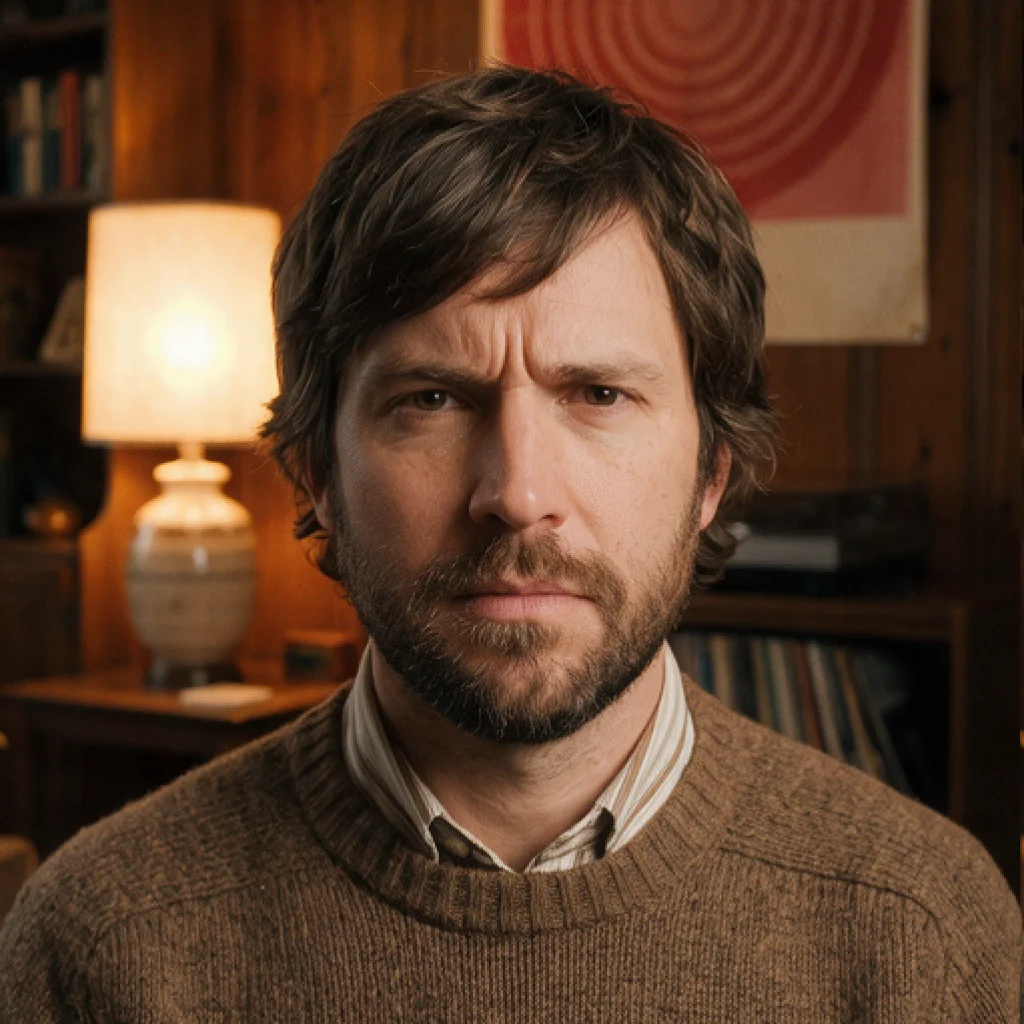


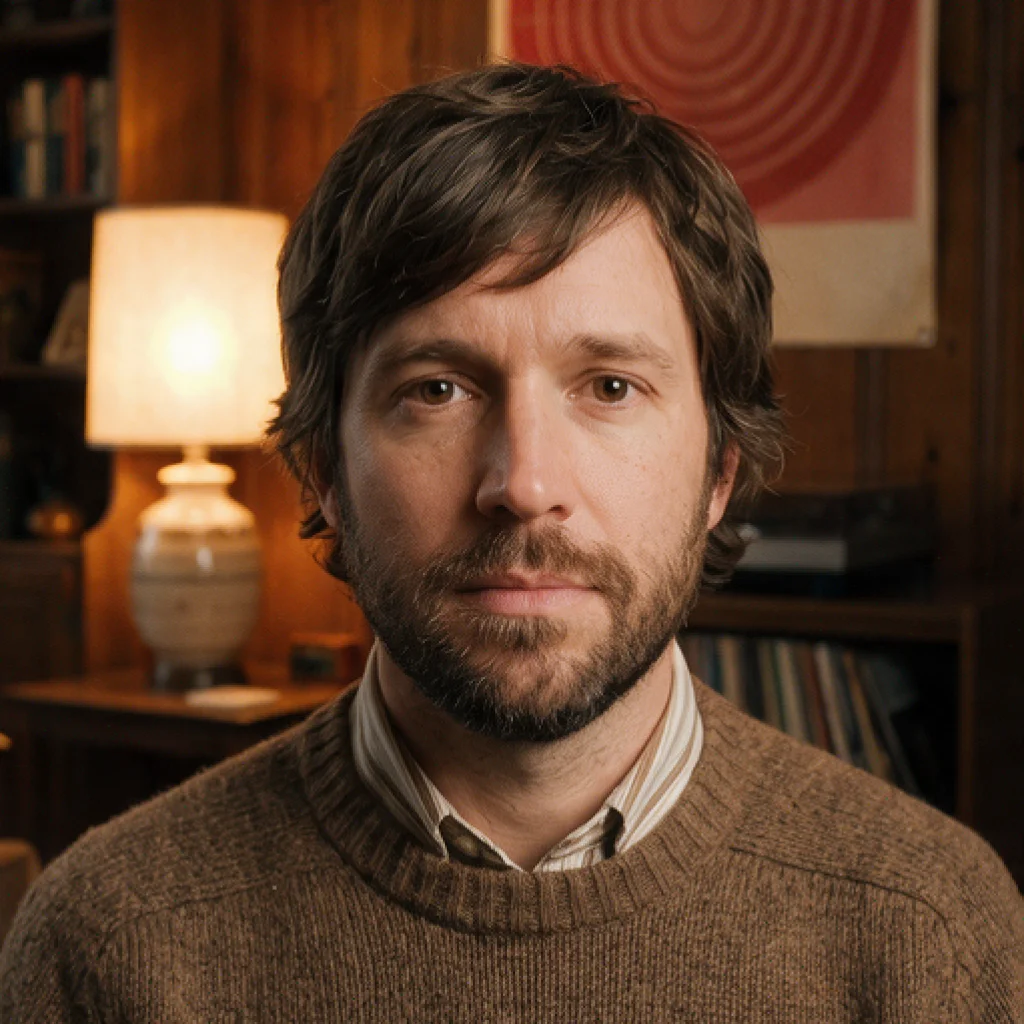

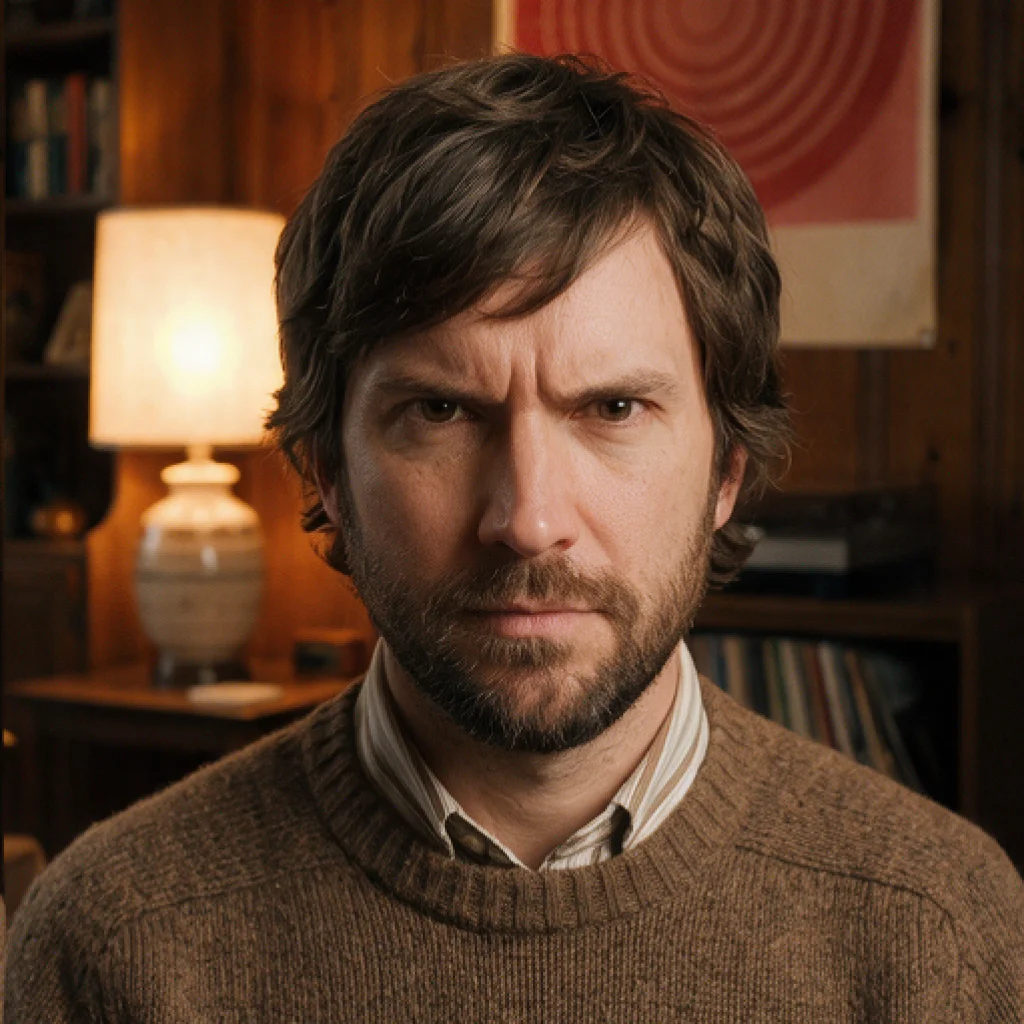
Change the Mood,
Not the Face
Facial expressions shape how every moment is perceived. Use DRAMA as an AI emotion changer and AI video mood changer, change video mood with AI, shift the tone of a shot, and keep identity and facial details intact.
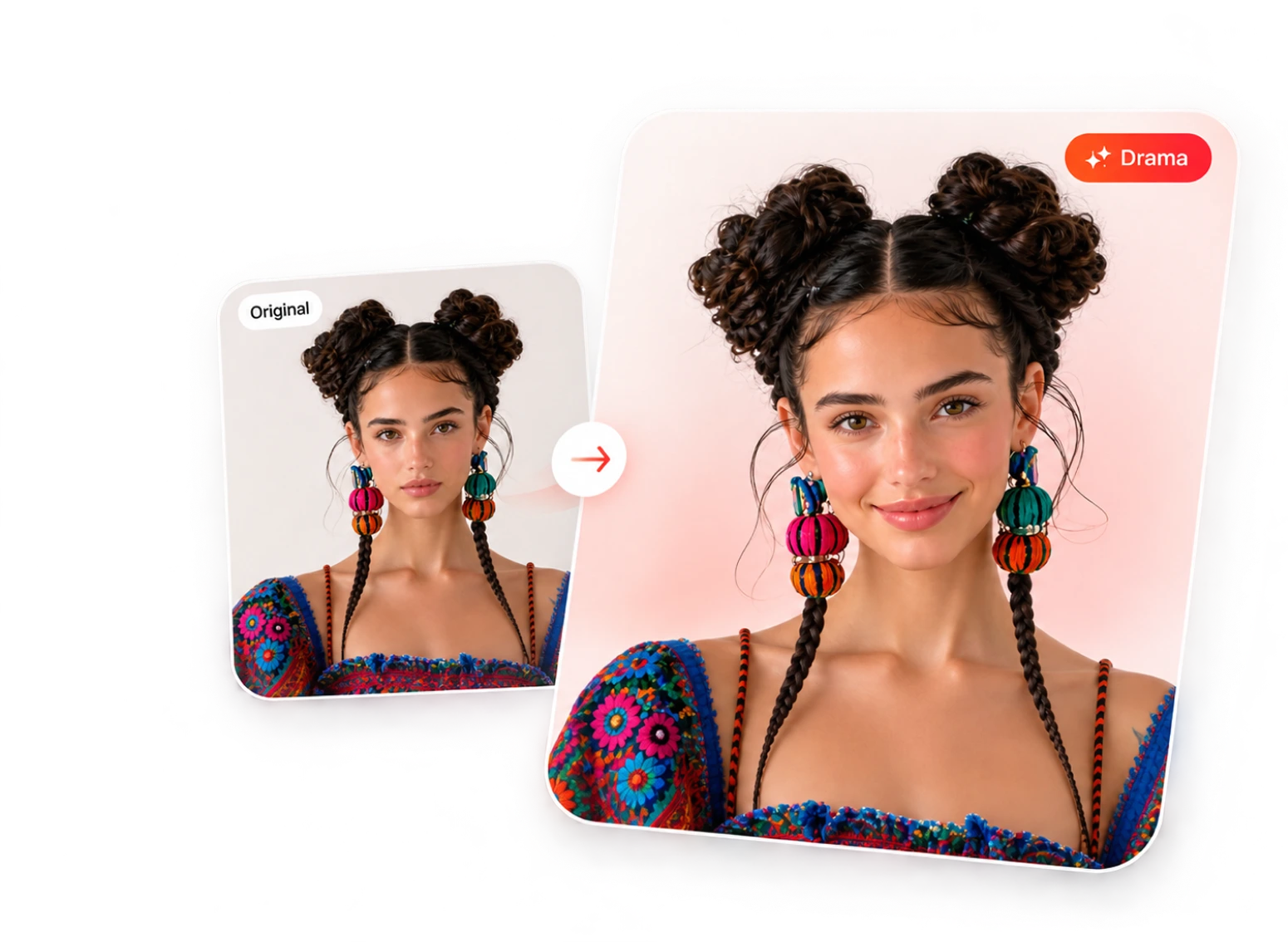
Why DRAMA Is The Most Advanced Expression Editing Tool
Simplest AI Emotion Editing for Video
Realistic facial expressions that stay consistent across your content.
Handles Any Camera Angle
Adjust intensity, edit individual faces, and blend multiple emotions.
Works Across Facial Details
Facial features stay consistent, only the expression changes.
What Creators Are Saying
Hear what our users have to say about their experience.

As someone who creates content regularly, I’m always looking for tools that save time without compromising quality. This platform does exactly that. Fast, reliable, and genuinely useful for creators. It’s quickly become part of my content creation toolkit

What's New
Catch up on the latest news, feature releases, and announcements from the world of DRAMA.



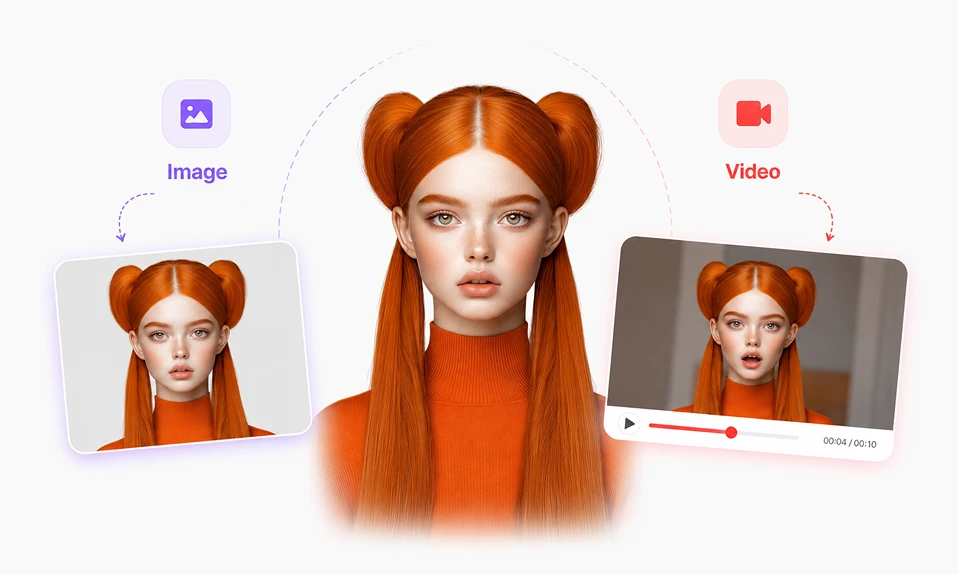
Change Expressions, in
Videos & Images
Edit facial expressions in videos and images with DRAMA, the AI Expression Editor by SyncMonster.
Fine-tune emotions, blend multiple expressions, and control intensity.
Frequently Asked Questions
Got Questions? We've Got You Covered
What is DRAMA?
DRAMA is an AI facial expression editor by SyncMonster. It changes facial expressions and emotions in videos and images while keeping identity intact — no reshoots.
Can I change a facial expression in a video or image?
Yes. Upload existing content, choose a new expression and intensity, and DRAMA edits it — frame by frame on video, in a single edit on images.
Can DRAMA change the mood of a video?
Yes. By editing the expressions on the faces in your shot, DRAMA shifts its emotional tone without changing the scene or the people in it. It works as an AI emotion changer and AI video mood changer.
Does DRAMA work on images?
Yes. DRAMA edits facial expressions in both images and videos.
What expressions can DRAMA create?
Happy, sad, angry, surprised, excited, serious, evil, and intimidating — with adjustable intensity and emotion blending.
How is DRAMA different from tools that replace a person’s face?
DRAMA — AI facial expression editor by SyncMonster — edits only the expression on an existing face. It never swaps or replaces identity.
Is there a free version of DRAMA?
Yes. Try DRAMA free in the SyncMonster Lite workspace before upgrading.
Change Expressions in Videos & Images with AI
Start creating global videos effortlessly with AI in minutes.